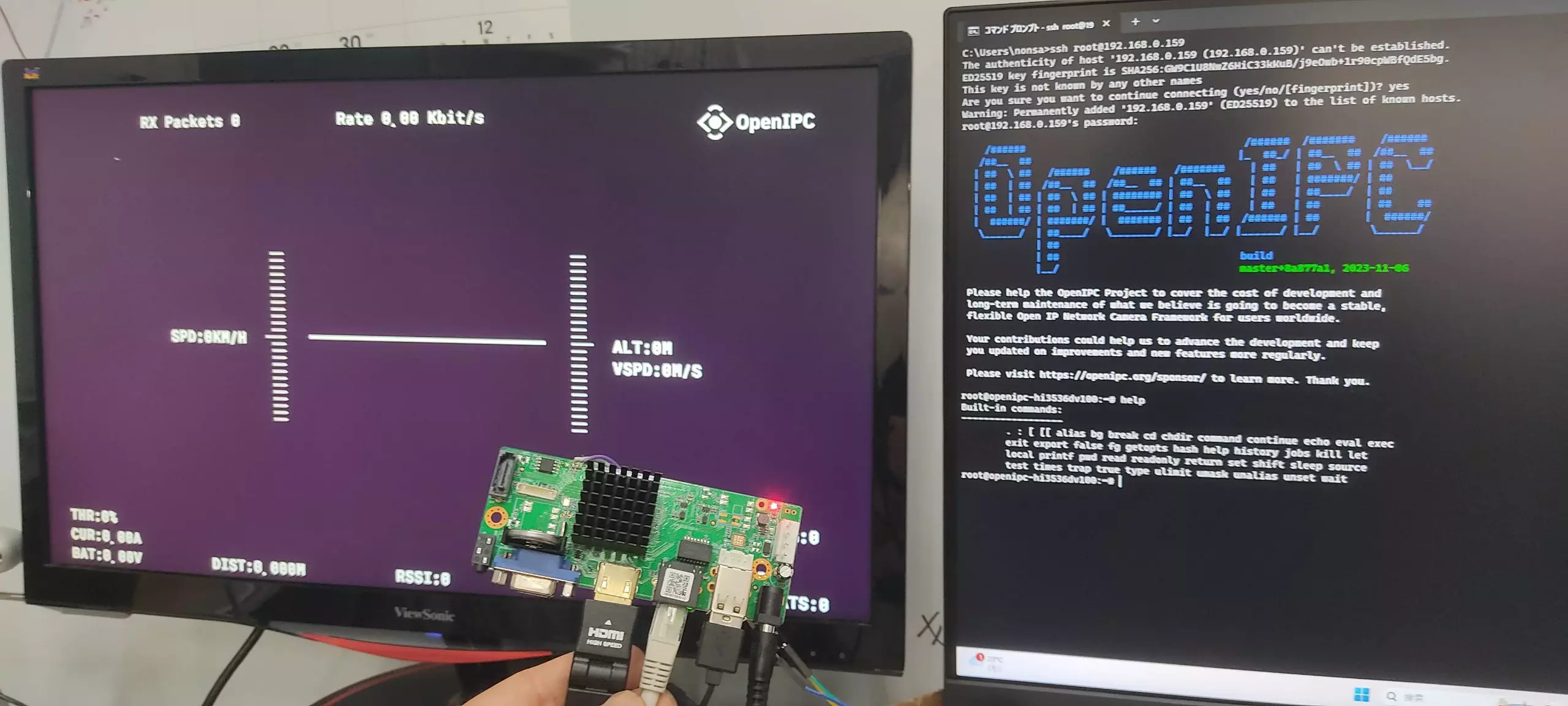
NVR Hi3536DV100
This page describes how to upgrade a Hi3536DV100 NVR board from the original firmware to OpenIPC FPV firmware and use it as an FPV ground station.
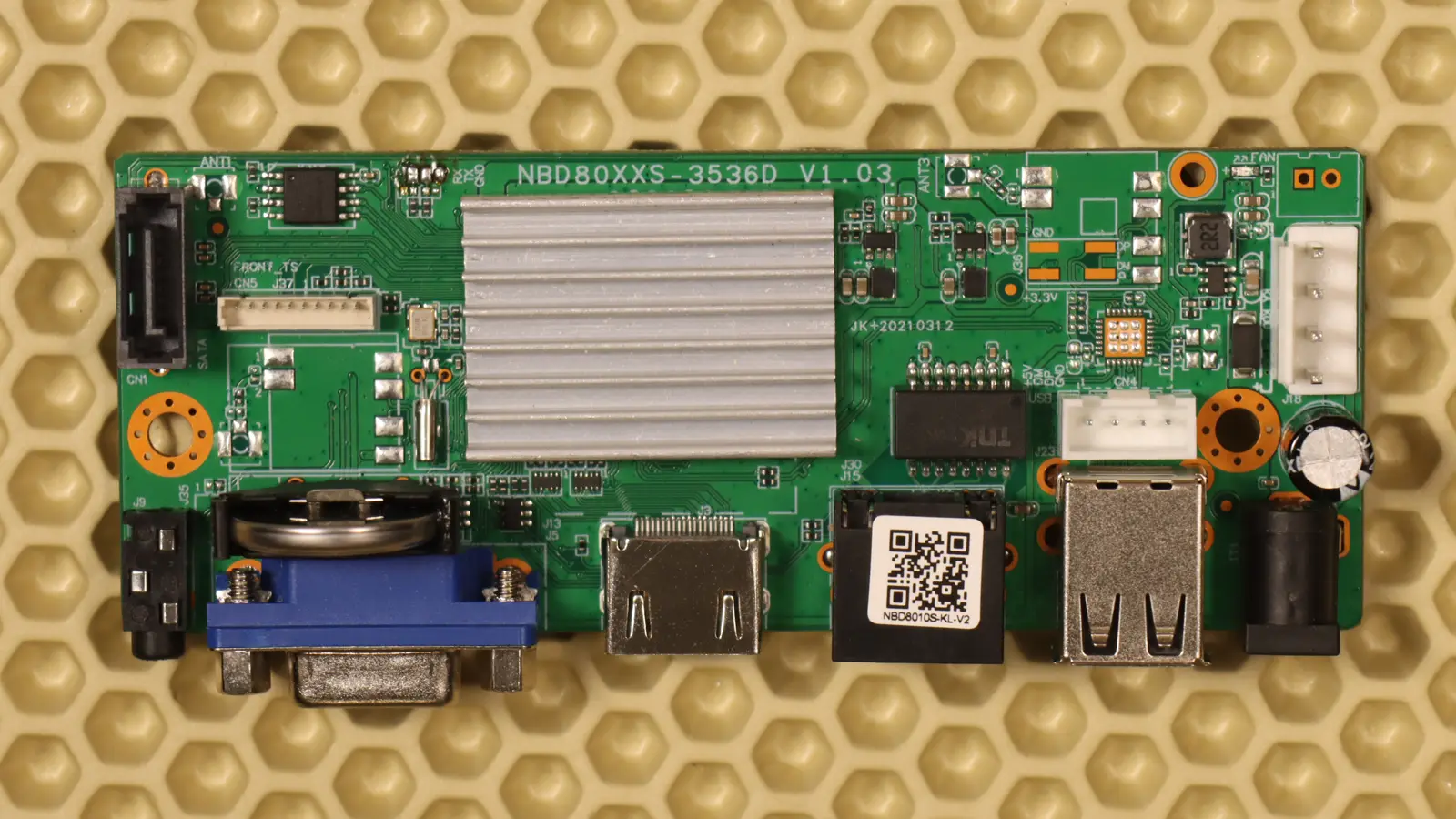
Upgrade to OpenIPC FPV Firmware
- Install PuTTY and a TFTP server.
- Download the latest OpenIPC FPV image for Hi3536DV100.
- Upload this image to your TFTP server.
- Turn off the NVR board.
- Connect a USB UART adapter to the NVR board UART and select the correct COM port on your PC.
- Power on the board and press
Ctrl+Cquickly to stop in U-Boot. - Execute the following commands one line at a time.
# Set the NVR board IP address and the TFTP server IP address.setenv ipaddr 192.168.1.10; setenv serverip 192.168.1.254mw.b 0x82000000 0xff 0x1000000tftp 0x82000000 openipc-hi3536dv100-fpv-16mb.binsf probe 0; sf lock 0; sf erase 0x0 0x1000000; sf write 0x82000000 0x0 0x1000000resetResult